Table of Contents
Unleash Your Inner Designer: The Ultimate iOS Customization Guide for a Personalized iPhone Experience
Your iPhone is more than just a phone; it’s an extension of your personality. But who wants a bland, generic experience? Let’s ditch the default look and explore the hidden potential of iOS customization! This guide unlocks a world of personalization beyond wallpapers, taking you on a journey to create a truly unique iPhone experience.
Beyond the Wallpaper
Sure, a cool wallpaper sets the tone, but let’s delve deeper. Embrace the power of:
- Icon Packs: Bored with the same old app icons? Breathe new life into your home screen with custom icon packs. Explore vibrant themes, minimalist designs, or even create your own with apps like “Aesthetic Icon” or “Launcher: Customize Your Home Screen.”
- Widgets: Take advantage of iOS’s diverse widget selection. Add a weather widget for quick forecasts, track your fitness goals with the Activity widget, or keep tabs on upcoming events with the Calendar widget. Remember, there’s a widget for almost everything!
- Custom Shortcuts: Don’t just open apps; make them do your bidding! Use the Shortcuts app to automate tasks, create quick actions, and personalize your workflows. Order your favorite coffee with a tap, send personalized texts, or control your smart home – the possibilities are endless!
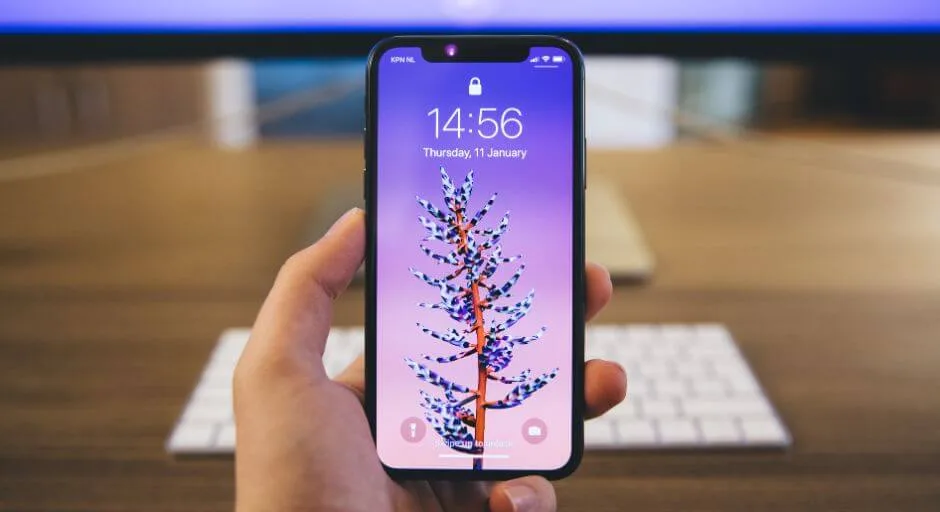
- Themes (iOS 16 and above): While full system-wide themes aren’t officially available yet, iOS 16 offers a taste with lock screen customization. Choose fonts, colors, and widgets to create a cohesive and personalized lock screen that reflects your style.
Pro Tips for Personalization Perfection
- Embrace Consistency: Choose an aesthetic and stick to it across wallpapers, icons, and widgets for a harmonious look.
- Utilize Free Resources: Many excellent customization options are available for free. Explore app stores and online communities for inspiration and tools.
- Prioritize Functionality: While aesthetics are important, don’t sacrifice usability. Ensure customization doesn’t hinder intuitive navigation.
- Embrace Experimentation: Don’t be afraid to try different styles and tweak your setup until it feels perfect. Customization is a journey, not a destination!
Remember: This is just the beginning! Dive into the world of customization apps, online forums, and creative communities. With a little exploration and these tips, you can transform your iPhone into a unique reflection of your style and personality. So, unleash your inner designer and get ready to create an iPhone experience that truly stands out!
Additional Resources
- App Store – Search for “icon packs,” “widgets,” and “Shortcuts” for endless customization options.
- Reddit – r/iOSThemes, r/Shortcuts
Ready to unleash your creative spirit and personalize your iPhone like never before? Go forth and customize!
Conclusion
Don’t settle for a bland iPhone anymore! With this guide as your roadmap, you’re equipped to unleash your creativity and design an iPhone that reflects your individual style. Embrace the journey of exploration, experiment with different options, and remember – functionality and aesthetics go hand-in-hand. Remember, there’s no “one-size-fits-all” approach to customization, so have fun, personalize with passion, and enjoy the unique iPhone experience you create!