
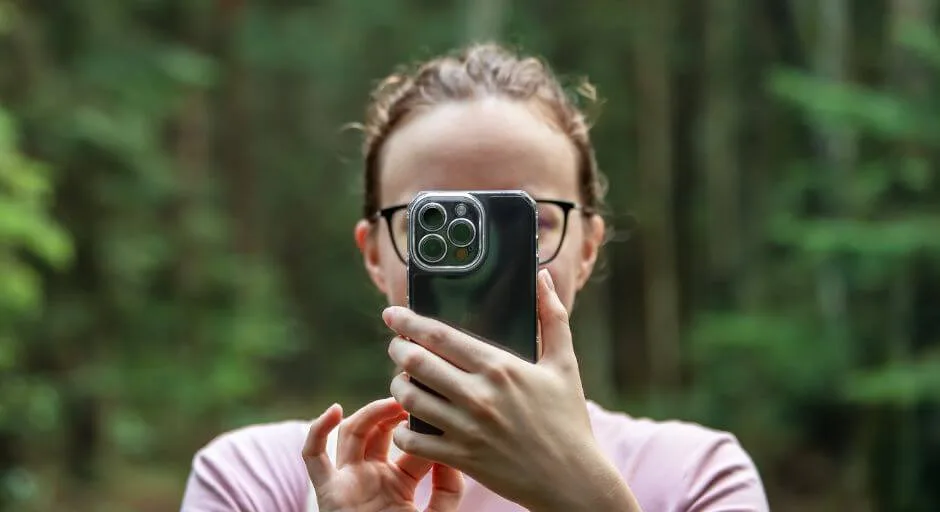
Your iPhone isn’t just a communication device; it’s a powerful camera capable of capturing stunning images. But mastering the art of iPhone photography goes beyond pointing and shooting. With a few pro tips and tricks, you can elevate your photos from snapshots to masterpieces, even without bulky equipment.
Table of Contents
Camera Settings: Master the Basics
- Exposure: Don’t rely solely on auto mode! Tap to set focus and adjust exposure (swipe up/down) to brighten or darken the image. This gives you better control over highlights and shadows.
- Composition: Rule of thirds is your friend! Imagine a grid dividing your screen into nine equal parts. Place your subject at the intersection points for a more balanced and interesting composition.
- Depth of Field: Use Portrait mode to blur the background and make your subject stand out. Experiment with different aperture settings for even more control over the blur effect.
- Live Photos: Capture fleeting moments with Live Photos, then turn them into captivating short videos later. Perfect for capturing emotions and movement.
Lighting is Key: Paint with Light
- Natural Light: Seek out soft, diffused light for even illumination. Avoid harsh midday sun, which can create harsh shadows. Early morning or late afternoon light offers the most flattering tones.
- Experiment with Angles: Play with light angles for different effects. Backlighting can create dramatic silhouettes, while side lighting emphasizes textures and depth.
- Improvise Diffusers: Use a white napkin or piece of paper to diffuse harsh light and soften shadows.
Editing Apps: Enhance Your Masterpiece
- Built-in Editor: Start with the basics! Adjust brightness, contrast, and saturation for quick enhancements. Explore built-in filters for creative edits.
- Third-party Apps: Dive deeper with apps like Snapseed, Adobe Lightroom Mobile, or VSCO. These offer advanced editing tools like selective adjustments, curves, and local adjustments.
- Presets: Save time with presets that match your aesthetic. Many apps offer free and paid preset packs catering to different styles.
Bonus Tips
- Keep your lens clean for optimal clarity.
- Use the grid overlay for precise alignment and straight lines.
- Explore manual controls for complete creative freedom (available on newer iPhone models).
- Join online photography communities for inspiration and learning.
Remember: Practice makes perfect! Don’t be afraid to experiment, break the rules, and most importantly, have fun capturing the world around you with your iPhone. With these pro tips and a touch of creativity, you’ll be snapping stunning photos like a pro in no time!
Conclusion
Your iPhone is no longer just a phone; it’s a powerful creative tool waiting to be explored. With these pro tips, the world becomes your canvas. Embrace experimentation, unleash your artistic vision, and capture stunning images that tell your story. Remember, practice is key, so grab your iPhone, step outside, and start creating! The world awaits your unique perspective, captured through the lens of your pocket-sized studio.

